Printer Purge FAQ
Printer purge pages are printable maintenance patterns designed to push ink through the print system, help recover weak channels, and make nozzle problems easier to see. They are a practical DIY tool for home users who want to try maintenance before paying for service or replacing a printer.
What is printer purge?
Printer purge is a manual maintenance method for inkjet printers. Instead of running the printer’s built-in cleaning cycle again and again, you print a specially designed page that uses controlled areas of ink to keep the affected color channel firing. It can work as both maintenance and a basic debugging step.
What problems can a purge page help with?
Purge pages are most useful for clogged or partially clogged inkjet nozzles, faint printing, missing lines, weak colors, banding, gaps in nozzle checks, and printers that sat unused for too long. They can also help you confirm which color channel is failing.
They do not fix every problem. A purge page will not repair empty cartridges, severe air leaks, damaged printheads, electronic faults, paper-feed problems, or printers with incompatible ink or hardware damage.
Does it work for all printer brands and models?
No. The basic idea is widely useful across many inkjet printers, but results vary by brand, model, ink system, printhead design, and the severity of the blockage. Some printers respond quickly, some need several guided attempts, and some will not recover with purge sheets alone.
These files are generally intended for color inkjet printers. Laser printers use toner and a different print process, so purge pages are usually not the right tool for laser-specific problems.
Do all printers work the same mechanically?
Not exactly. Inkjet printers may use different printhead technologies and different cartridge layouts. Some place the printhead on the cartridge, while others keep the printhead inside the printer and feed it from separate tanks or cartridges. The maintenance idea is similar, but the mechanics are not identical.
What is a nozzle, and is it part of the printer or the cartridge?
A nozzle is a tiny opening that sprays a microscopic droplet of ink onto the paper. Whether it belongs to the cartridge or the printer depends on the design. On some models, the nozzles are built into the cartridge. On others, they are part of a permanent or semi-permanent printhead inside the printer.
Why are there separate purge files?
Separate purge files let you target the problem more precisely. If only cyan is failing, you can print a cyan-focused page instead of wasting large amounts of every color. Separate files also make it easier to diagnose which channel is weak and use less ink overall.
Why is there so much color on purge pages?
Strong blocks, lines, and repeated patterns are intentional. They keep the selected channel active for long enough to encourage steady ink flow and make weak or missing output easier to spot. A pale test pattern may not exercise the nozzles enough to be useful.
Can I purge economically with minimal ink use?
Yes. The cheapest approach is to start small: run a nozzle check, identify the missing color, print only the most relevant purge file, and stop once you see improvement.
Use targeted sheets before full-page mixes, avoid endless repetition, and re-check the nozzle pattern between attempts. If nothing changes after a few controlled tries, more printing usually only wastes ink.
Is this the same as the printer's built-in cleaning cycle?
No. A built-in cleaning cycle pulls ink through the system internally. A purge page uses actual printing to exercise specific channels on paper. Many users combine both methods carefully: a nozzle check first, a targeted purge page second, and only limited cleaning cycles if needed.
Can I do this at home?
Usually yes. Printer purge is a beginner-friendly DIY maintenance step, as long as you use the right file, good paper, and reasonable limits. It is often cheaper than replacing cartridges at random or sending a lightly clogged printer for service.
How do I know when to stop?
Stop if the pattern gets worse, nothing changes after a few tries, the printer reports a hardware error, or the cartridge or tank is low. At that point, a manual head cleaning, fresh ink, or professional service may be more effective than additional purge printing.
Important: Purge pages are mainly useful for color inkjet printers and ink-flow problems. They can help with weak channels and clogged nozzles, but they do not repair empty cartridges, damaged printheads, electronic faults, severe air leaks, or other hardware problems. If nothing changes after a few controlled tries, stop and move to manual cleaning, fresh ink, or professional service.
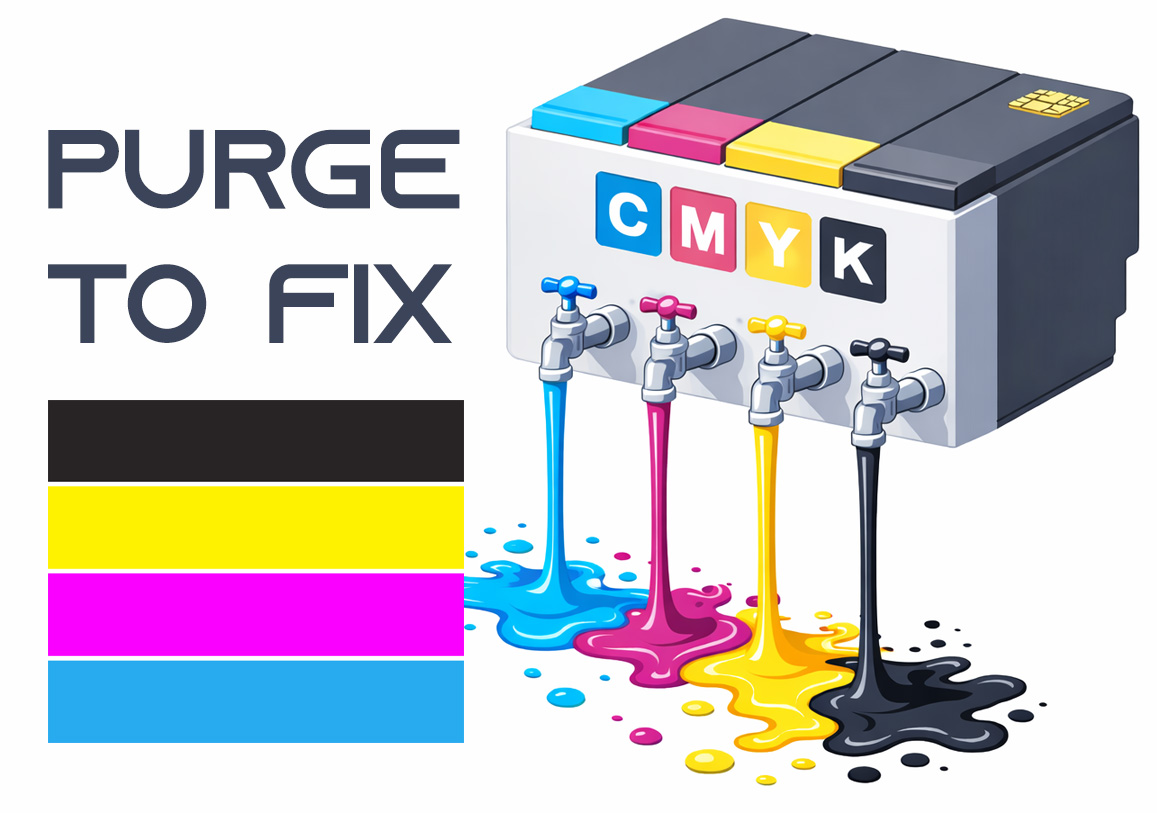
Purge to Fix
Printing a purge sheet can restore print quality and eliminate the need for a professional service visit. This DIY maintenance routine is highly effective for clearing clogged nozzles and dried ink buildup that causes horizontal banding or missing colors. While not a 100% fix for mechanical failure, it is the best first step for ink flow issues.