
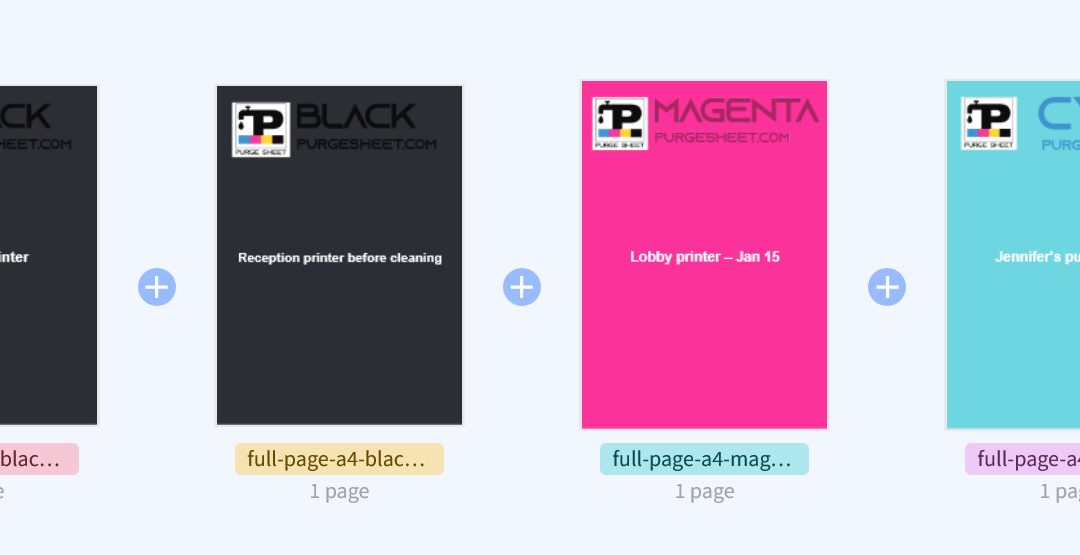
Keeping printer maintenance records organized can get messy fast, especially when purge sheets start piling up. One sheet may be for a nozzle check after cleaning, another for a printer that has been sitting unused, and another for testing ink flow before calibration. After a while, it becomes difficult to remember which sheet belongs to which printer, what date it was used, or why it was printed in the first place.
That is where a custom purge sheet can be useful. Instead of printing a blank page and writing notes on it by hand later, you can generate a labeled PDF in advance and include your own text directly on the sheet. Adding a printer name, date, room, location, or short maintenance note makes each page easier to identify and archive. This can be especially helpful if you manage multiple printers or want a cleaner way to keep track of repeated tests over time.
Our online purge sheet generator was made for exactly that purpose. You can choose a purge sheet PDF, add your own custom text, and download a ready-to-use file in just a few steps. Whether you want to label a sheet as “Office printer – March check,” “Reception printer before cleaning,” or “Upstairs printer after flush,” the tool gives you a quick way to prepare a more useful maintenance sheet without extra manual marking.
It is a simple idea, but one that can make printer testing and record-keeping much more practical. If you want a faster way to create personalized purge sheets, try the tool here: